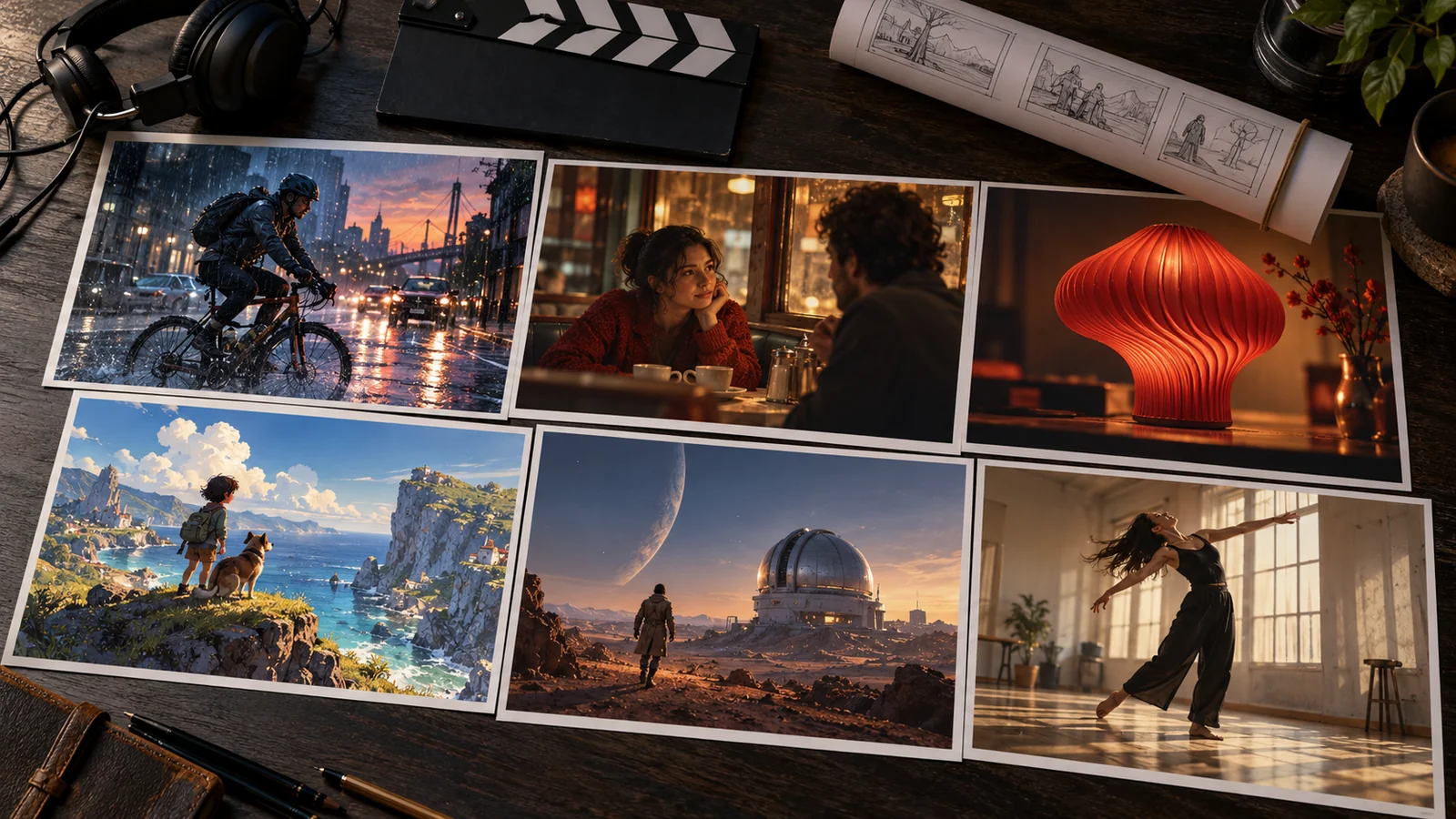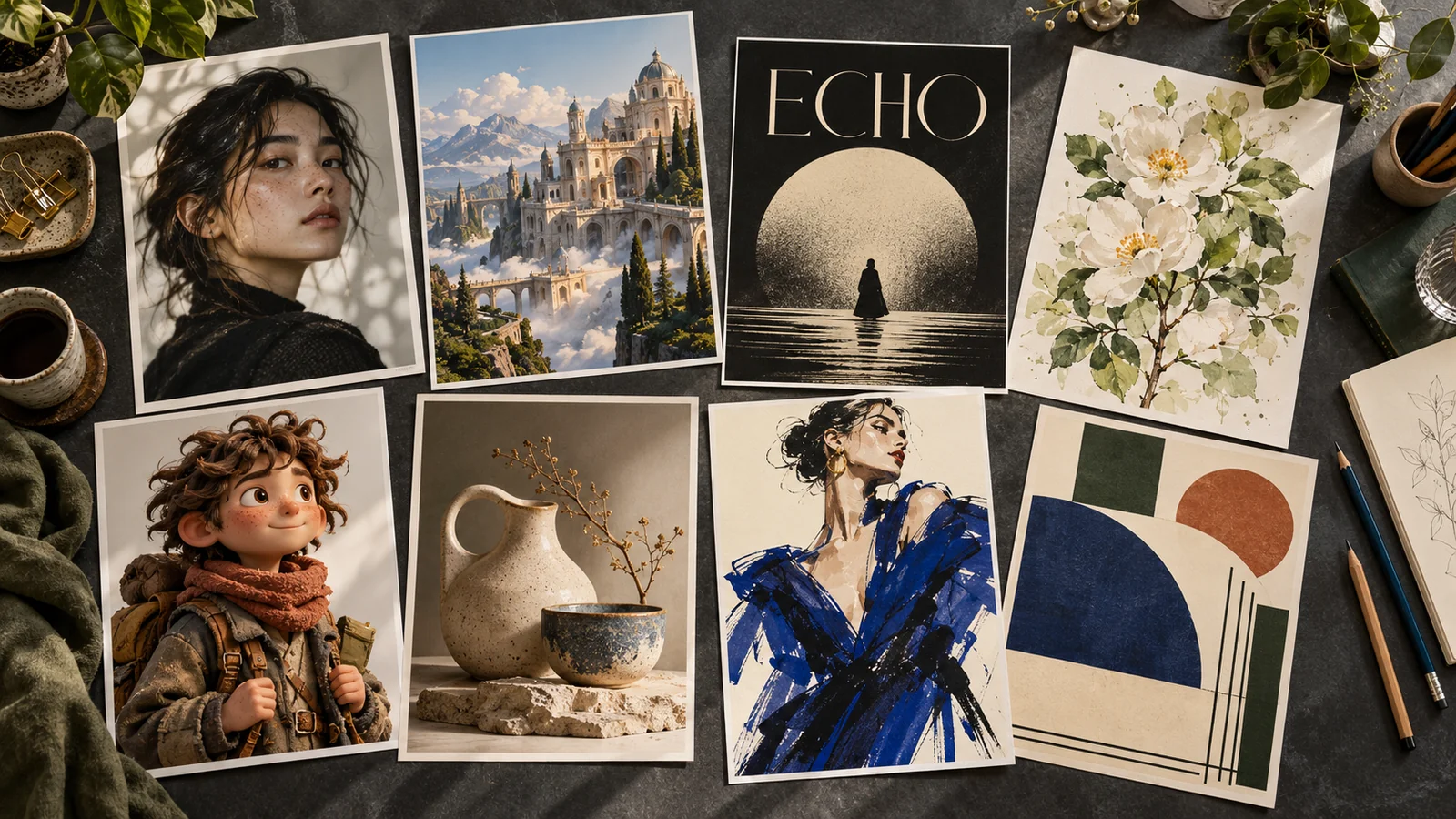
AI image generators can help you create a blog cover, explore a character design, build a product scene, or turn a rough idea into something you can show. But choosing one is harder than typing a prompt. Some tools focus on artwork, others make photo editing easier, and some are most useful when you need readable text inside a design.
If you want to explore several models in one place, start with Mochi’s AI image generator. This guide compares each tool’s own workflow and pricing, so the plan details below refer to the named service.
The best AI image generator depends on what you want to make and how much control you need afterward. A beautiful first result is useful, but so is being able to change the background, keep a subject consistent, or fit the image into a finished layout.
This guide compares eight options by their documented features, pricing structure, and practical uses. The “best for” labels are editorial recommendations, rather than results from a controlled image-quality test.
Best AI Image Generators at a Glance
| Tool | Recommended for | Free access | Main consideration |
|---|---|---|---|
| ChatGPT Images | Creating and refining images through conversation | Yes, with usage limits | Free image generation has separate limits |
| Midjourney | Artwork, visual concepts, and style exploration | Paid subscription is the standard route | Private generation requires Pro or Mega |
| Google Gemini | Photo transformations and reference-based editing | Yes, with limits | Model access varies by plan |
| Adobe Firefly | Image generation within an Adobe workflow | Limited free daily generations | Standard and premium features have different allowances |
| Ideogram | Posters and designs with text | Weekly credits for eligible free accounts | Editing and image references require priority credits |
| Leonardo.Ai | A dedicated generation, editing, and upscaling workspace | 150 daily tokens | Token costs vary by task |
| Canva Dream Lab | Images that will become finished designs | Usage depends on plan and AI allowance | AI tools share usage allowances |
| FLUX through Black Forest Labs | Reference control and API workflows | Paid usage; check any current introductory credits | Cost depends on the selected model and output |
Free access and plan details were checked on October 10, 2026. Current limits, regional prices, and model availability can change.
1. ChatGPT Images
Best for: Creating and refining images in ordinary language
ChatGPT Images is a useful starting point when you know what you want but do not want to learn a long list of settings. You can describe a new image or upload an existing one and explain the changes you need. It also supports instructions for text and transparent backgrounds.
The appeal is the conversation around the image. For example, you might start with a blog illustration, then ask for a quieter background and more space for a headline. That makes it a practical choice for people who prefer explaining a change to adjusting technical controls.
What makes it useful
- New image creation and editing in the same conversation.
- Instructions written in everyday language.
- Support for text and transparent backgrounds.
Main limitation: Image generation can take a few minutes, and the Free plan has separate image-creation limits. Do not assume that access to chat means unlimited images.
Pricing: Available on the Free plan, with paid plans offering higher limits. Check ChatGPT’s free image limits.
Choose it if: You want to develop an image through a series of clear requests.
2. Midjourney
Best for: Artwork, visual concepts, and exploring a particular look
Midjourney is worth considering when the visual direction is the main part of the job. Think editorial illustrations, imagined environments, fashion concepts, or an early moodboard for a campaign.
Its reference tools help guide the appearance of new images. Style references, image prompts, and subject-reference features offer different ways to carry an existing visual direction into a generation. Compatibility depends on the model version, so the right reference workflow matters.
It also has a web editor for expanding, cropping, repainting, and modifying uploaded images. That gives you a way to revise a promising result instead of restarting every time.
What makes it useful
- Several ways to guide images with visual references.
- A web editor for changes to existing images.
- Unlimited image generation in Relax Mode on Standard and higher plans.
Main limitation: Privacy changes the cost. Stealth Mode is available only on Pro and Mega, so a lower-priced plan may not suit confidential client work.
Pricing: Monthly plans start at $10. Standard is $30, Pro is $60, and Mega is $120; annual billing costs less. View Midjourney plans.
Choose it if: You want to explore a visual style and are comfortable learning its reference tools.
For more on prompts, styles, and reference controls, see our Midjourney AI guide.
3. Google Gemini
Best for: Transforming photos and working from references
Gemini’s image tools are a practical option when you want to start with an existing photo. Google documents changes to lighting, camera angles, focus, and style, alongside combining photos and creating images with text.
That makes it useful for exploring variations: a different setting for a portrait, a new look for an object, or an alternative mood for a scene. A reference image can give the request a clearer starting point than words alone.
What makes it useful
- Photo transformations described through prompts.
- Reference-based style changes.
- Combining elements from different photos.
Main limitation: Free access does not include every model or the same allowance as paid access. Availability also depends on the supported country, language, and account.
Pricing: Free image generation is available. Google AI plans provide additional access; check the local plan page for current prices and model details. Check Gemini access and limits.
Choose it if: You mainly want to change existing photos or explore ideas using references.
If photo editing is your main task, our Nano Banana Pro guide explains Google’s image generation and editing model in more detail.
4. Adobe Firefly
Best for: Creators who already work with Adobe tools
Adobe Firefly is a sensible shortlist option when AI generation is one stage of a larger design process. Adobe documents image generation, Generative Fill, Generative Expand, and text-to-vector features across its creative offerings.
For a designer, the useful question is how easily an image fits into the rest of the work. You might generate an initial scene, expand the background for a wider placement, then finish the typography and layout in a design editor.
What makes it useful
- Generation and editing features within Adobe’s creative ecosystem.
- Background expansion and generative filling.
- Access to Adobe and selected partner models.
Main limitation: Check the allowance for the exact feature and model you plan to use. Unlimited standard image features do not automatically mean unlimited access to every partner model.
Pricing: Limited free daily generations are available. The US Firefly Standard plan is listed at $9.99 per month. Higher plans provide different credit allocations and benefits. View Firefly plans.
Choose it if: You want AI image creation to fit an existing Adobe workflow.
5. Ideogram
Best for: Posters, covers, and graphics where words matter
Ideogram deserves a place on your shortlist when text is part of the image. Its documented text-rendering capabilities focus on designs such as posters, signage, packaging, and book covers.
This is useful when the lettering belongs inside the scene or artwork. A headline on a concert poster, for example, is a different task from adding a text box over a photograph.
Even with a tool designed for typography, proofread the result. Check spelling, dates, prices, and small lettering before publishing.
What makes it useful
- Text rendering as a central capability.
- A natural fit for typography-led design concepts.
- Paid options for private generation.
Main limitation: AI editing and image-reference features require priority credits. Free generations use a slower queue, and private generation is a paid feature.
Pricing: Eligible free accounts receive weekly credits. Plus is advertised from $15 per month when billed annually, with $180 paid upfront; check the monthly billing option separately. View Ideogram pricing.
Choose it if: The words inside your image are as important as the picture.
6. Leonardo.Ai
Best for: Creators who want a dedicated image workspace
Leonardo.Ai brings image generation, reference guidance, editing, and upscaling into one platform. It is worth considering if you create regularly and want tools for developing a result beyond the first generation.
Its image-guidance tools offer ways to direct style, composition, and poses using references. The available controls depend on the selected workflow and model.
For example, an illustrator could use a visual reference to explore a composition, refine the chosen direction, and then upscale the final image.
What makes it useful
- Reference guidance alongside generation.
- Editing and upscaling in the same workspace.
- A daily free token allowance for exploration.
Main limitation: Tokens are not an image count. Different models, settings, and tasks consume different amounts, so your actual output varies.
Pricing: The Free plan includes 150 daily tokens and public creations. Essential starts at $12 per month before tax and includes private creations. View Leonardo pricing.
Choose it if: You want a dedicated platform for regular image creation and refinement.
7. Canva Dream Lab
Best for: Turning generated images into finished content
Canva Dream Lab makes sense when the image is going into a social post, presentation, advertisement, or another layout. It generates options from text prompts and supports reference images, follow-up edits, and resolution enhancement.
The practical benefit is what happens after generation. You can take the chosen image into a Canva design and work on the surrounding layout. For a promotional graphic, that may be more convenient than generating an image elsewhere and importing it afterward.
It is also a useful approach when you want the headline and supporting copy to remain editable.
What makes it useful
- Generated images can be used in Canva designs.
- Reference images and follow-up instructions.
- A convenient route from visual idea to layout.
Main limitation: AI usage is shared across tools, and some features consume more of that allowance. Do not treat every generation or edit as having the same cost.
Pricing: Canva offers Free and paid plans. Check the current AI allowance for your plan before committing to a large batch. Check Canva’s AI allowance.
Choose it if: Your main goal is a complete design that includes an AI-generated image.
8. FLUX Through Black Forest Labs
Best for: Reference control and repeatable image workflows
FLUX is a family of models rather than a single consumer app. Black Forest Labs provides a browser Playground for creating and editing images, alongside API access for building generation into a product or workflow.
Its FLUX.2 models support multi-reference editing. That can be useful when a request needs several visual inputs, such as a particular subject, object, and setting.
For someone building an image feature, the Playground also provides a place to explore settings before using them through the API.
What makes it useful
- Browser-based experimentation without writing code.
- Multi-reference editing with supported models.
- API access for repeatable generation tasks.
Main limitation: Compare the actual model and settings, rather than choosing by the FLUX name alone. Different providers can offer different versions, controls, and pricing.
Pricing: Black Forest Labs uses pay-as-you-go pricing. Costs depend on the model, resolution, and applicable input charges. View BFL pricing.
Choose it if: You need reference control or want to integrate image generation into a workflow.
Explore the FLUX AI model guide for an introduction to image creation, styles, and prompt control.
Which AI Image Generator Should You Choose?
Start with the task you need to finish:
- Creating and revising through conversation: Start with ChatGPT Images.
- Exploring artwork and visual direction: Shortlist Midjourney.
- Transforming existing photos: Try Gemini.
- Working within Adobe: Consider Firefly.
- Making graphics with text inside them: Shortlist Ideogram.
- Using a dedicated generation and editing workspace: Consider Leonardo.
- Building a complete post, slide, or advertisement: Try Canva Dream Lab.
- Creating a repeatable or API-based workflow: Explore FLUX through BFL.
These recommendations follow the documented workflows above. They are a starting point for your own comparison.
Before subscribing, use the same small set of tasks in your shortlisted tools. Try one new image, one reference-based request, and one revision. Compare the effort required to reach a usable result, rather than judging only the first output.
What to Look for in an AI Image Generator
Images That Fit Your Actual Work
Choose examples close to what you make. A tool’s landscape gallery tells you little about how it handles your product packaging, illustrated characters, or poster layout.
Useful Editing Controls
A good first generation is only part of the job. Look for a way to change a specific detail while keeping the parts you like. Consider whether you need prompt-based edits, local selection tools, or an external editor.
Reference Support
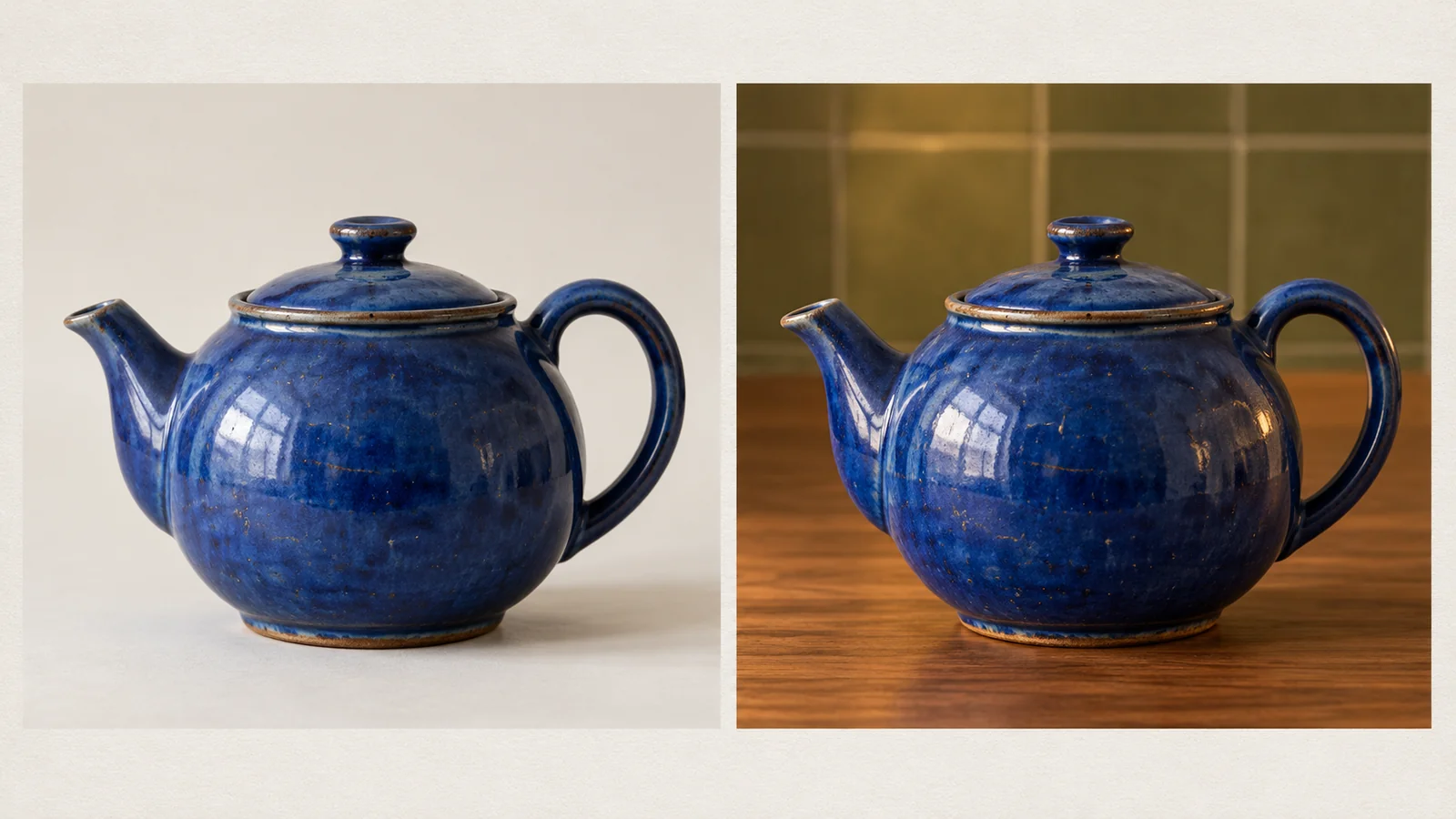
If you want a recurring subject or a consistent look, check which references the tool accepts and how they affect the result. Test several variations before planning a whole series around it.
Space for Your Layout
A wide image is not necessarily a good banner. Think about where the headline, product information, or button will sit, and whether you can generate or expand the composition accordingly.
Cost Per Usable Result
Compare the time and credits needed to get an image you can publish. A cheap generation may offer poor value if you need many attempts and several paid edits.
Privacy and Usage Terms
Check whether creations are public and whether the plan permits your intended use. This is especially relevant when uploading unreleased products or client references. The official plan and terms pages are the place to confirm those details.
How to Get Better Results From AI Image Generators
A useful prompt gives the tool a clear subject and a clear visual job. Our guide to writing better AI image prompts breaks this down into subject, setting, style, lighting, and composition.
Instead of writing “a beautiful perfume bottle,” try:
A clear glass perfume bottle with a brushed silver cap on a pale stone surface. Soft window light from the left, realistic glass reflections, restrained beige background, wide composition with empty space on the right for a headline.

Describe the subject, setting, lighting, composition, and any details that must stay accurate. Use a reference when appearance matters.
After the first result, request a focused change: “Keep the bottle and camera angle, but remove the flowers from the background.” Small revisions make it easier to see whether the tool is preserving your intended direction.
Finally, inspect the image at full size. Look at lettering, edges, reflections, repeated objects, and product details. Upscaling a flawed image may make the flaw more visible.
Frequently Asked Questions
What is the best AI image generator?
There is no single choice for every task. ChatGPT is a practical starting point for conversational creation, Midjourney for visual exploration, and Ideogram for text-led graphics. Choose according to the workflow you need, then compare results on your own prompts.
What are the best free AI image generators?
ChatGPT, Gemini, Firefly, and Leonardo offer free access with limits. Ideogram provides weekly credits for eligible free accounts. Free allowances are useful for trying a workflow, but they may not support regular production.
Which AI image generator is best for realistic images?
Shortlist tools that support photographic generation and references, then test the subject you actually need. Review materials, lighting, anatomy, and small details. A convincing sample of one subject does not guarantee convincing results for another.
Which tool should I use for text inside images?
Ideogram is a sensible starting point because typography is a core capability. ChatGPT and Gemini also support text in generated images. For copy that needs frequent changes, consider adding editable text separately in a design tool.
Can I edit an existing photo with AI?
Yes. Several tools in this guide support uploaded images or image-editing workflows. The important difference is how precisely they preserve the original while making your requested change.
Can AI keep the same character across several images?
Reference features can help guide a recurring character, but check the results across several poses and scenes. Pay attention to facial details, clothing, and proportions before treating a set as consistent.
Are paid AI image generators worth it?
A paid plan can be worthwhile when you need more capacity, particular editing tools, or private generation. Try the workflow first and estimate how many usable images you need each month.
Final Thoughts
Choose an AI image generator around the work you want to finish. An occasional blog illustration, a poster with lettering, and a series of product visuals place different demands on a tool.
Shortlist two options, give them the same realistic tasks, and compare how easily you can revise the results. The best choice is the one that helps you produce images you can actually use.
Ready to try a prompt? Explore Mochi’s AI image generator, choose an available model, and compare a few results using the same clear description.