

AI Christmas Background Changer

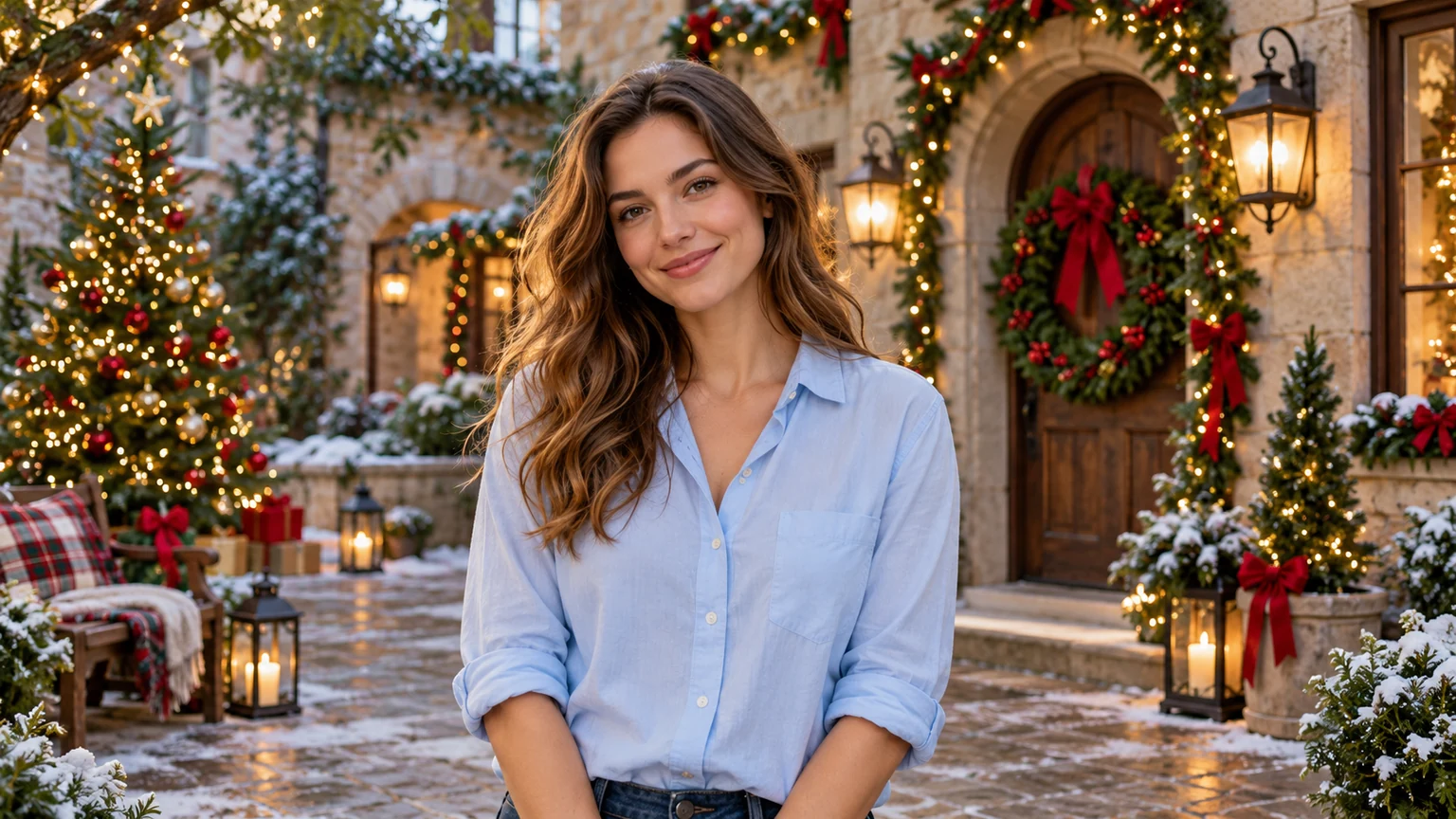
Add Christmas background to your photo with our AI Christmas Background Changer. Upload your picture and replace its background with snowy landscapes, decorated Christmas trees, cozy fireplaces, or glowing holiday lights.

Examples

Made with AI Christmas Background Changer

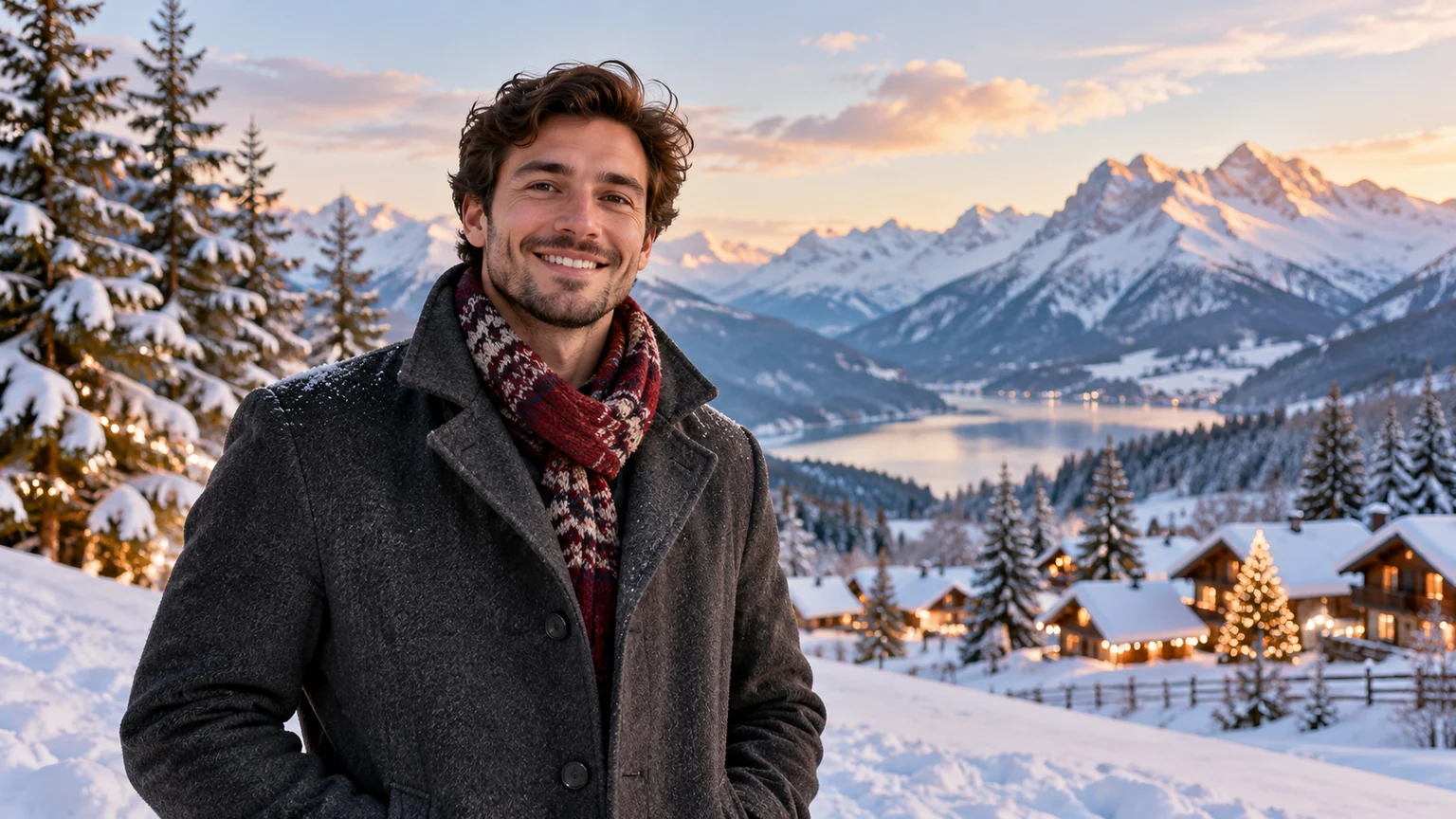
A man in an everyday navy coat, waist-up surrounded by snowy fir forest with subtle Christmas lanterns.
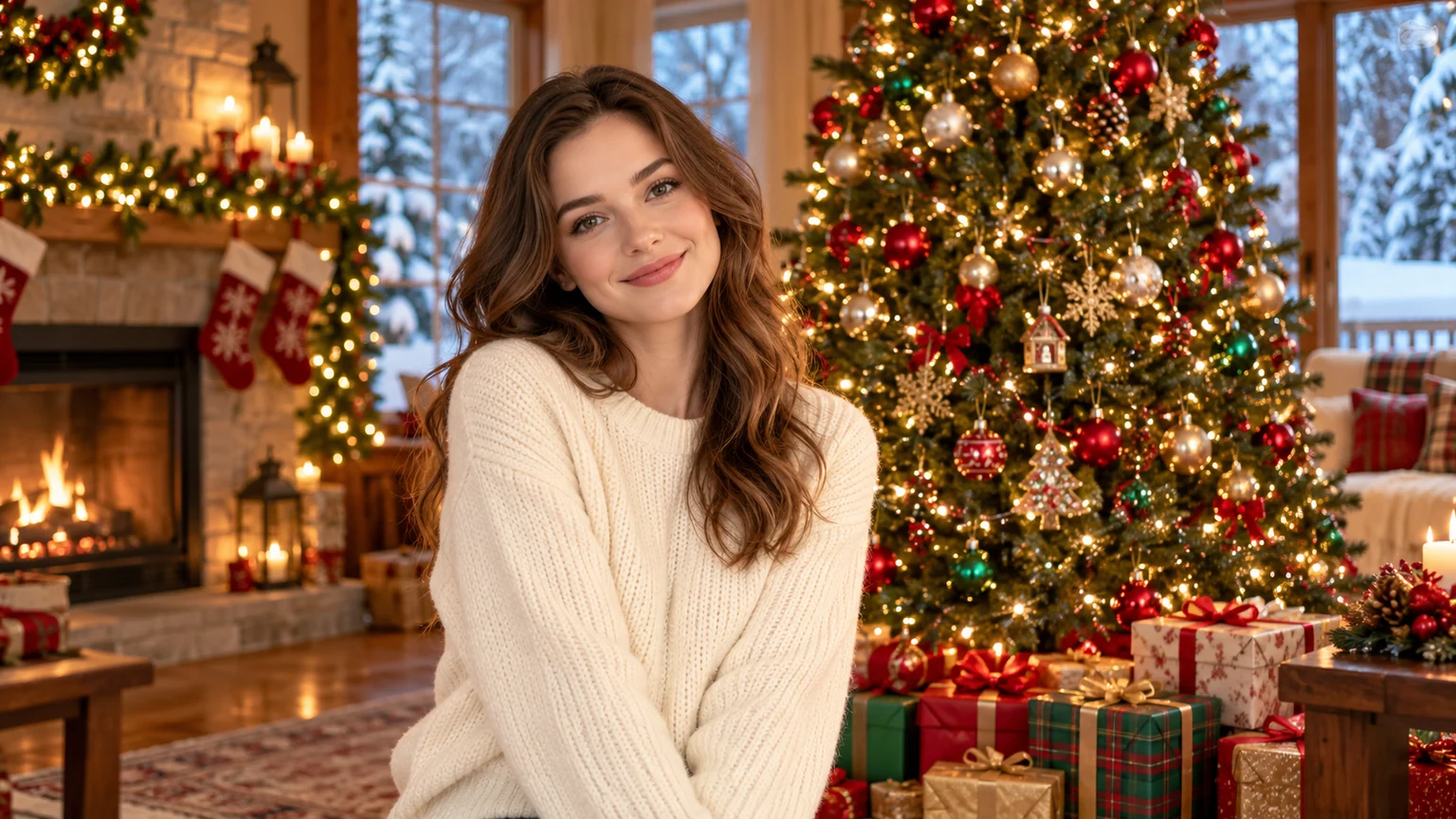
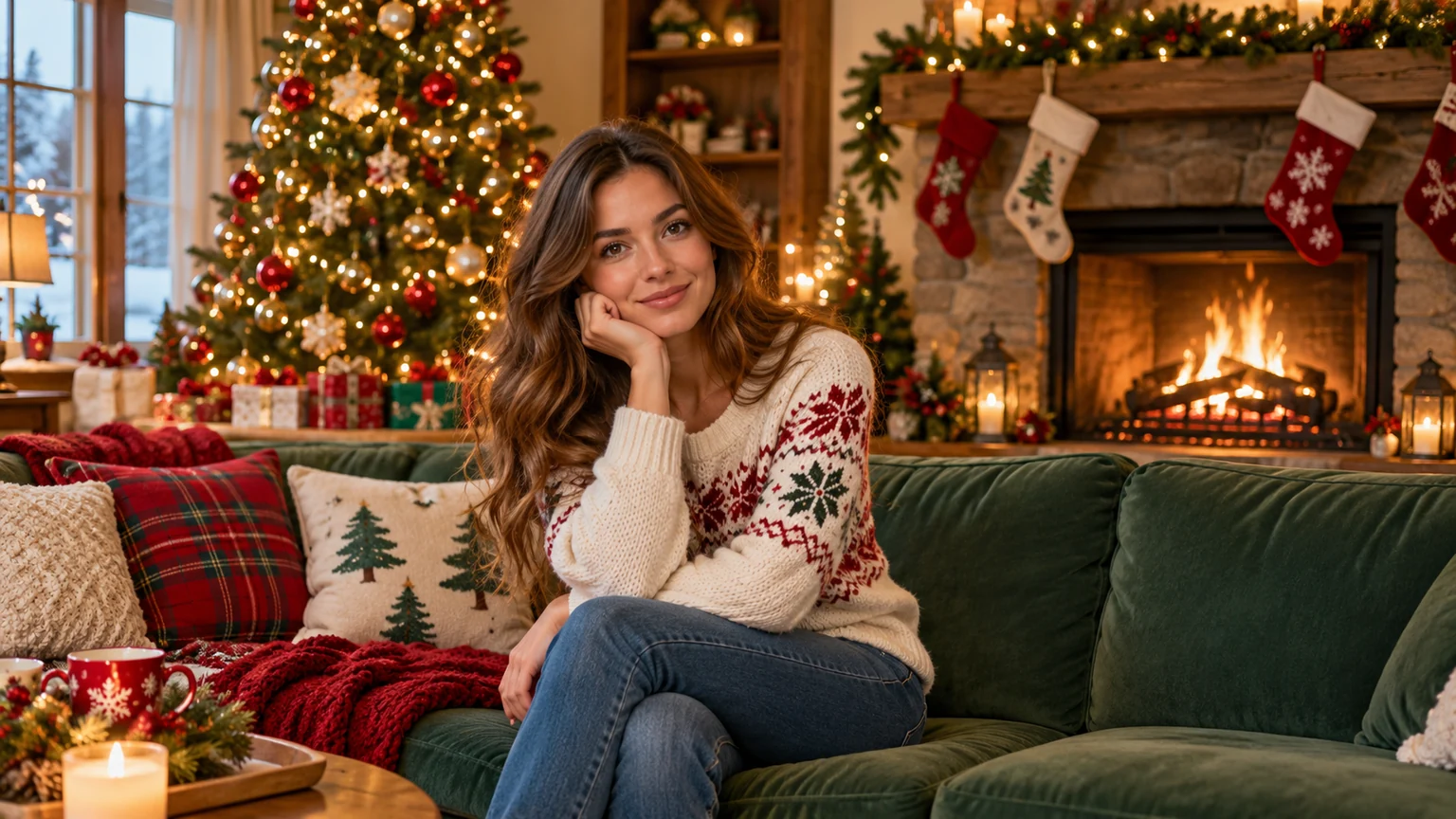
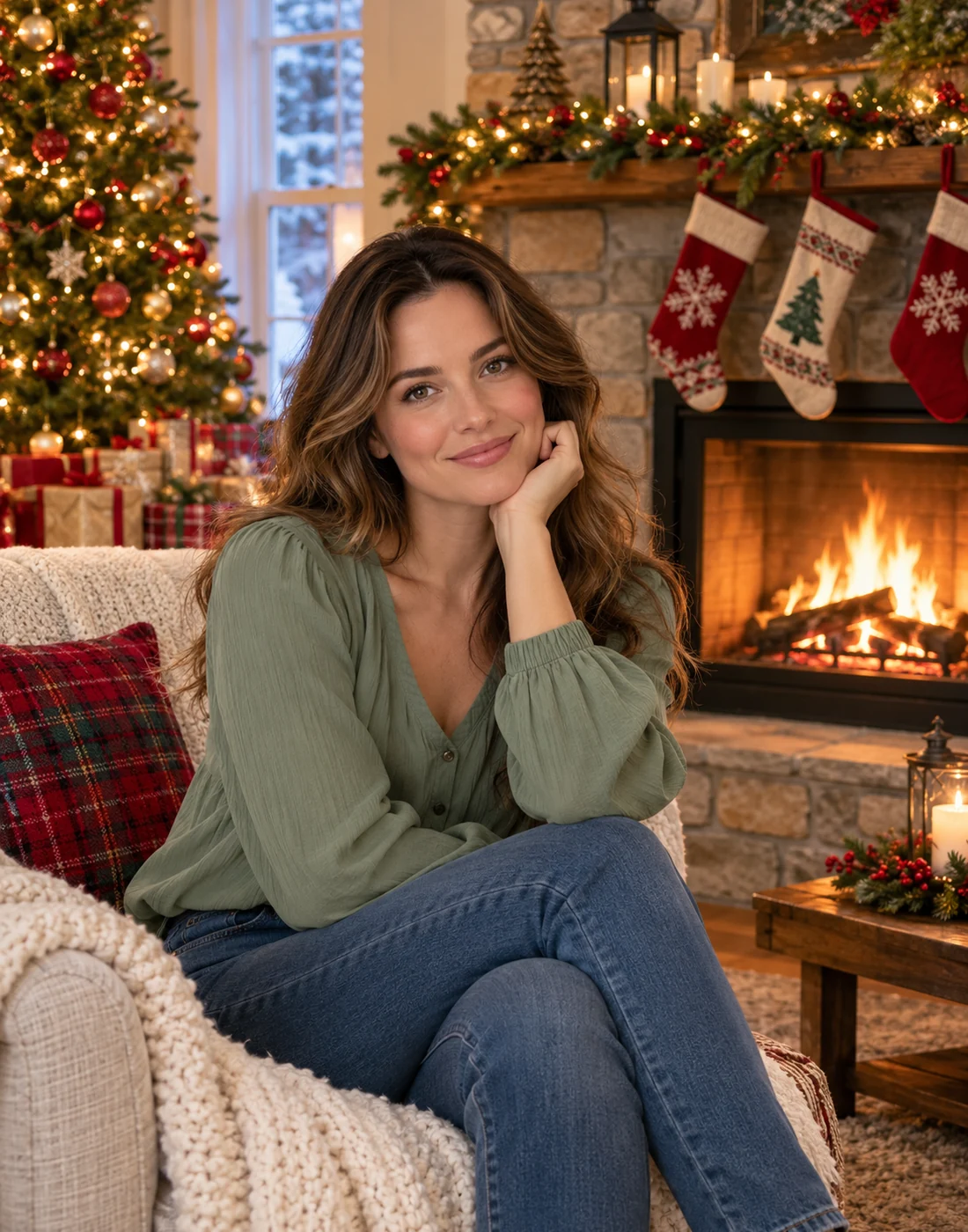
A woman in a simple sage blouse seated beside a cozy Christmas fireplace with stockings and a tree.
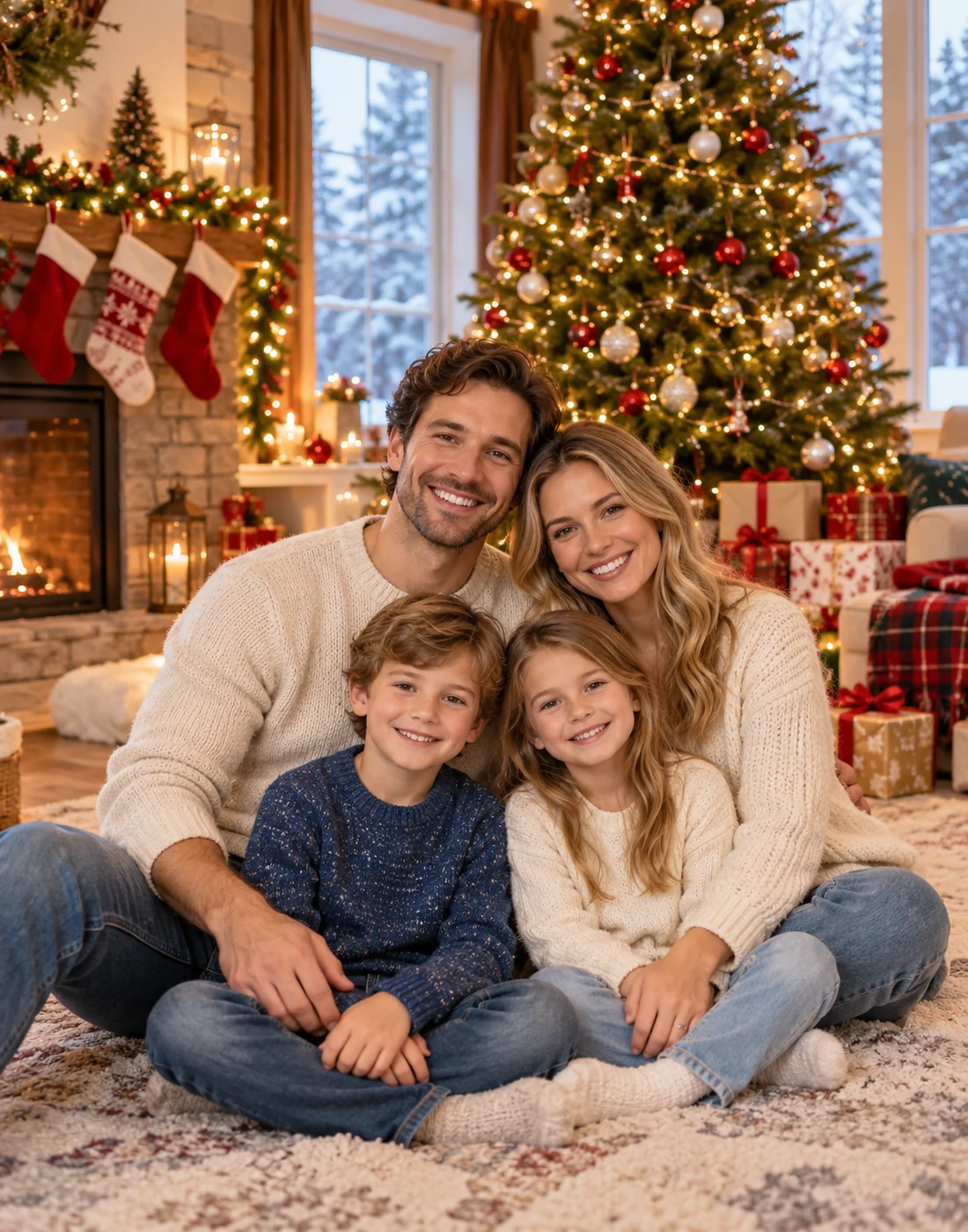
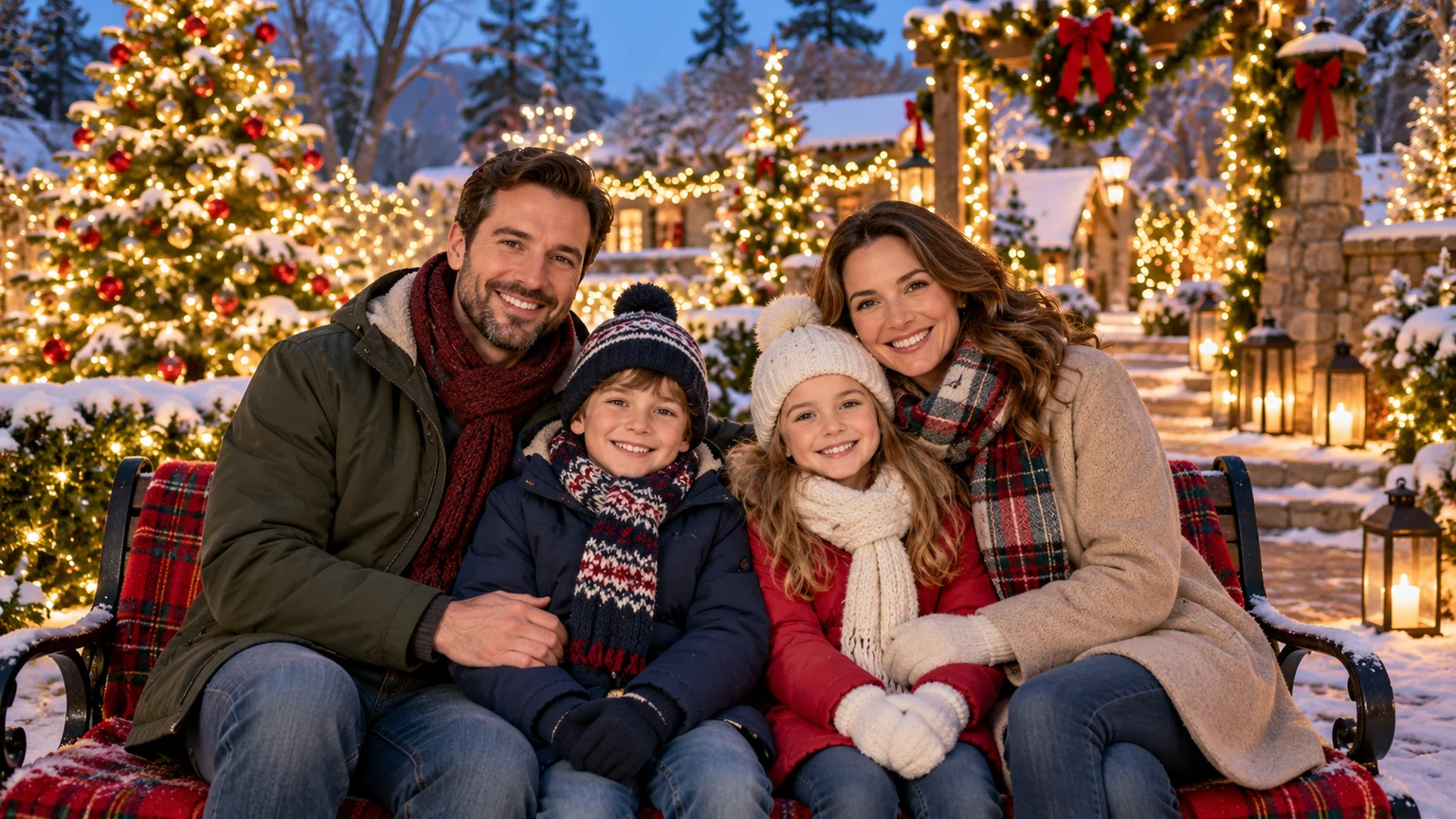
A smiling family of four in casual cream and blue outfits, seated together in a Christmas living room with gifts and lights, all heads complete.
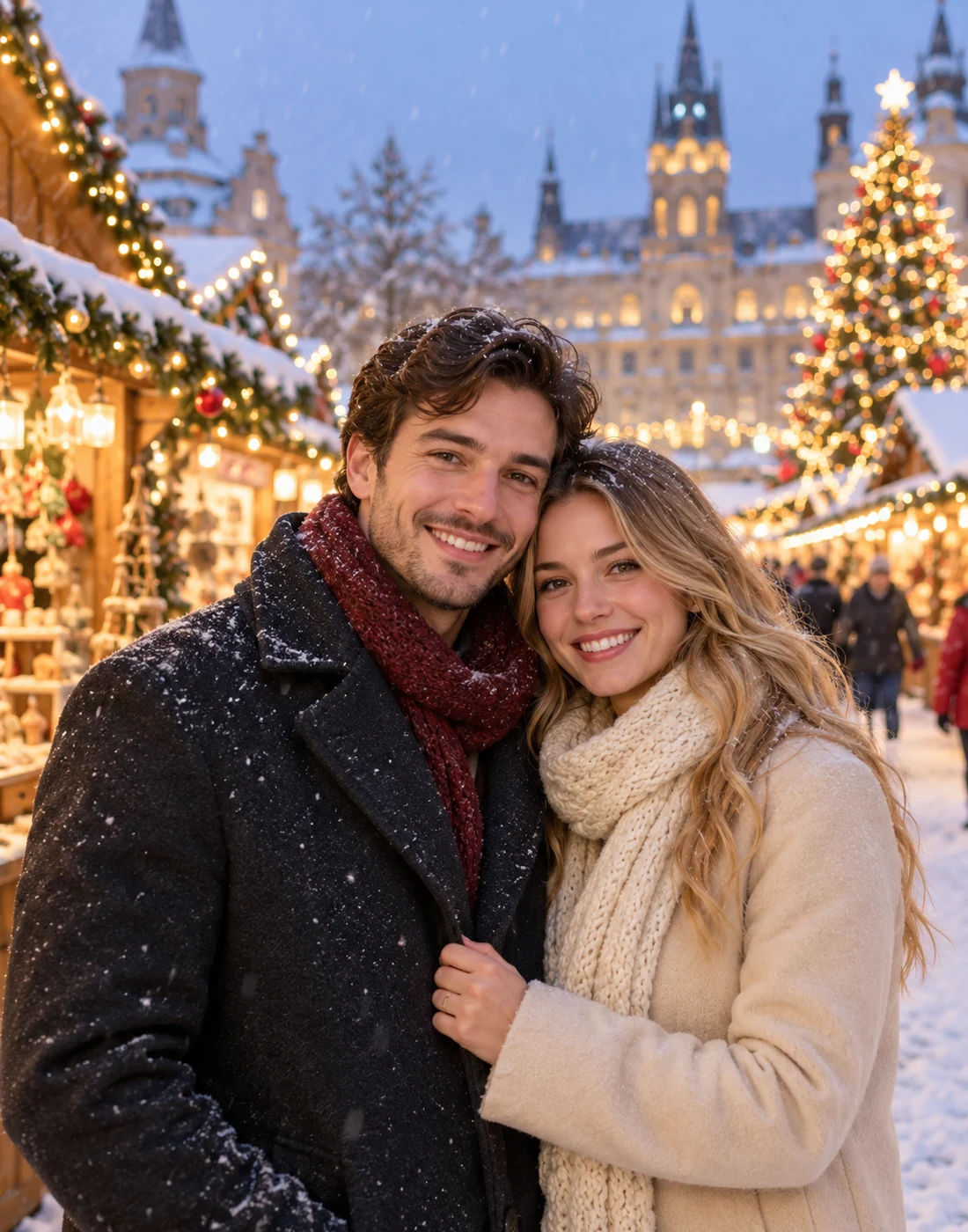
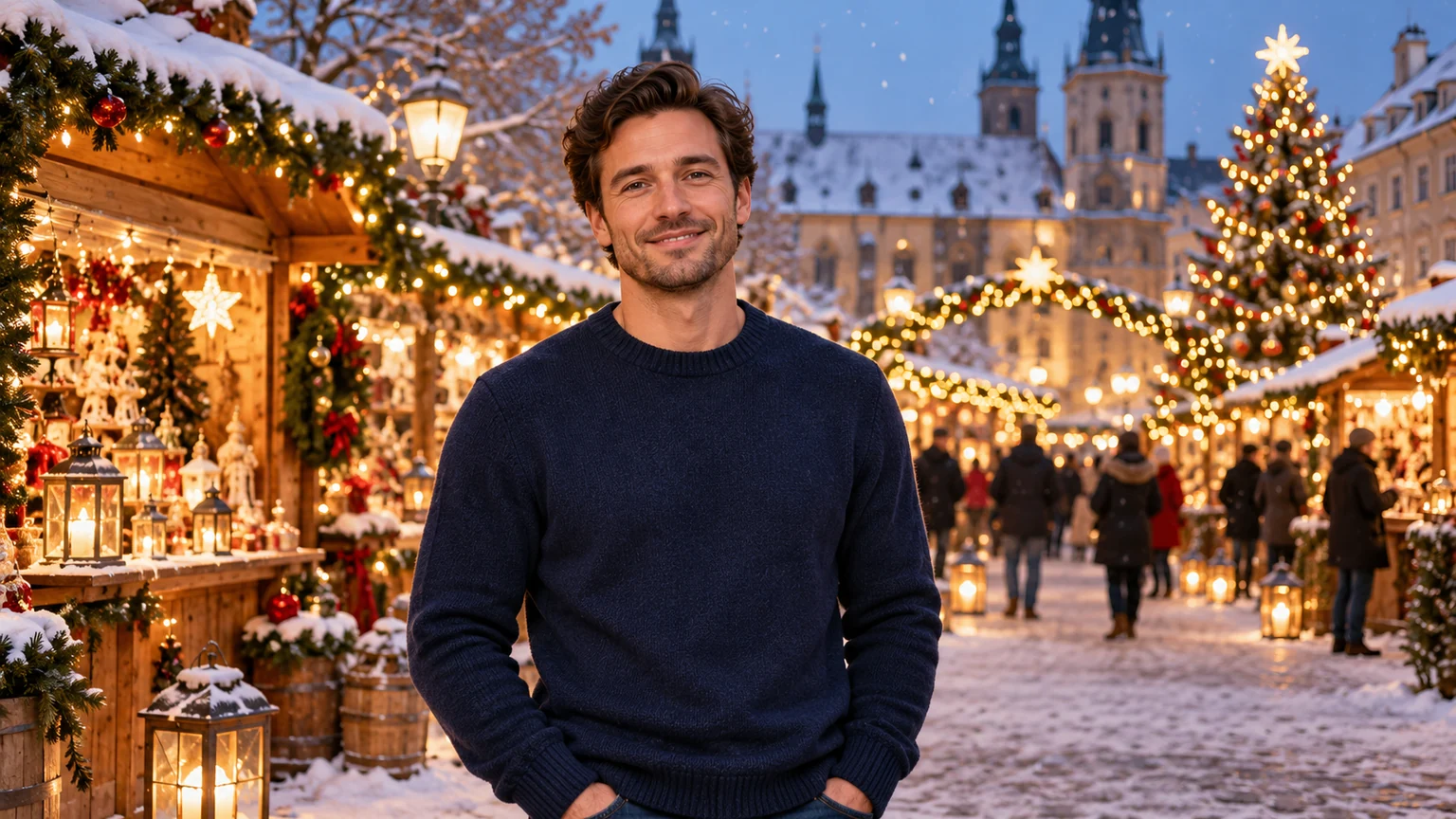
A couple in simple winter coats, waist-up in a snowy Christmas market with warm wooden stalls and lights.
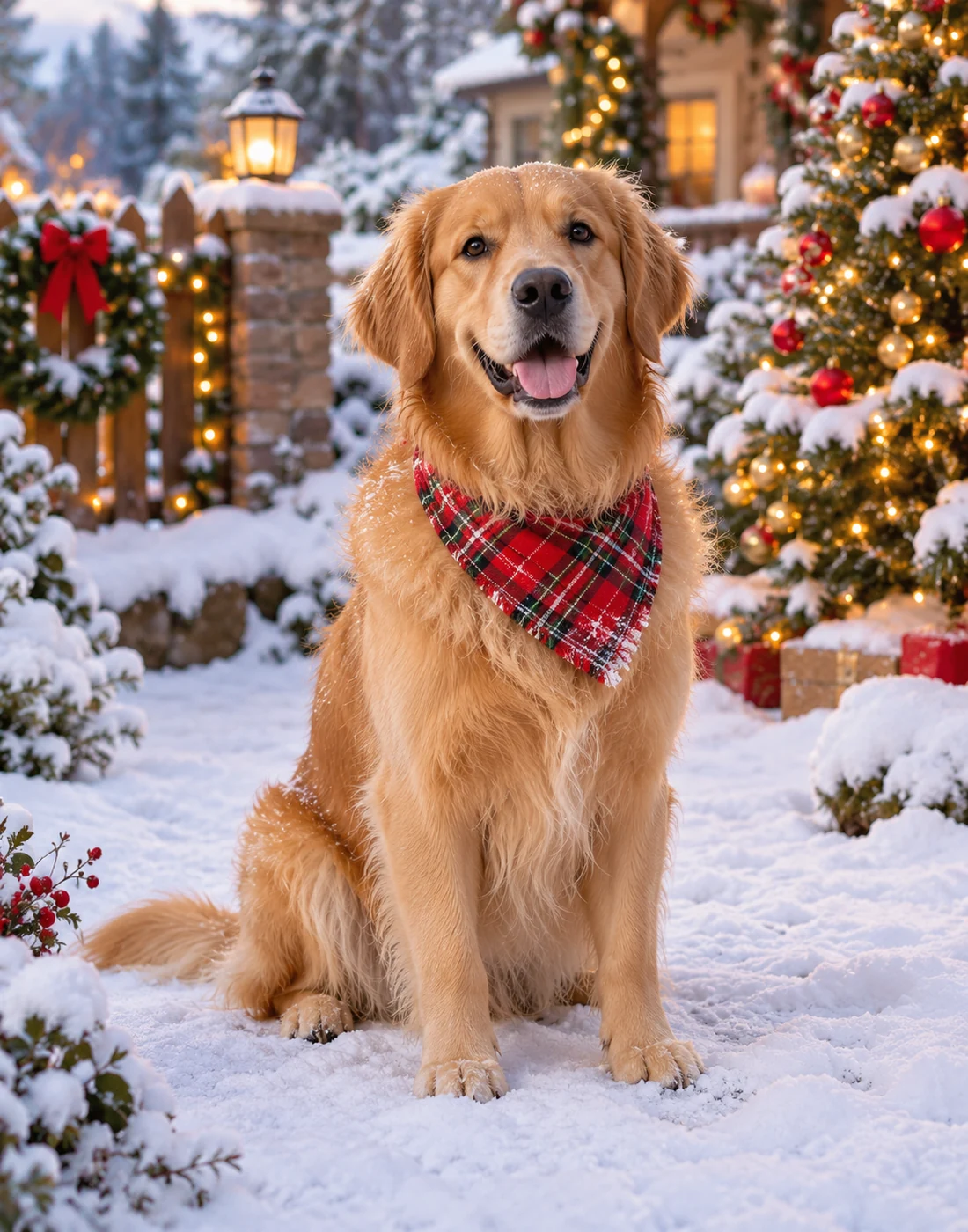
A golden retriever sitting fully visible in a snowy Christmas garden with decorated trees, detailed fur.
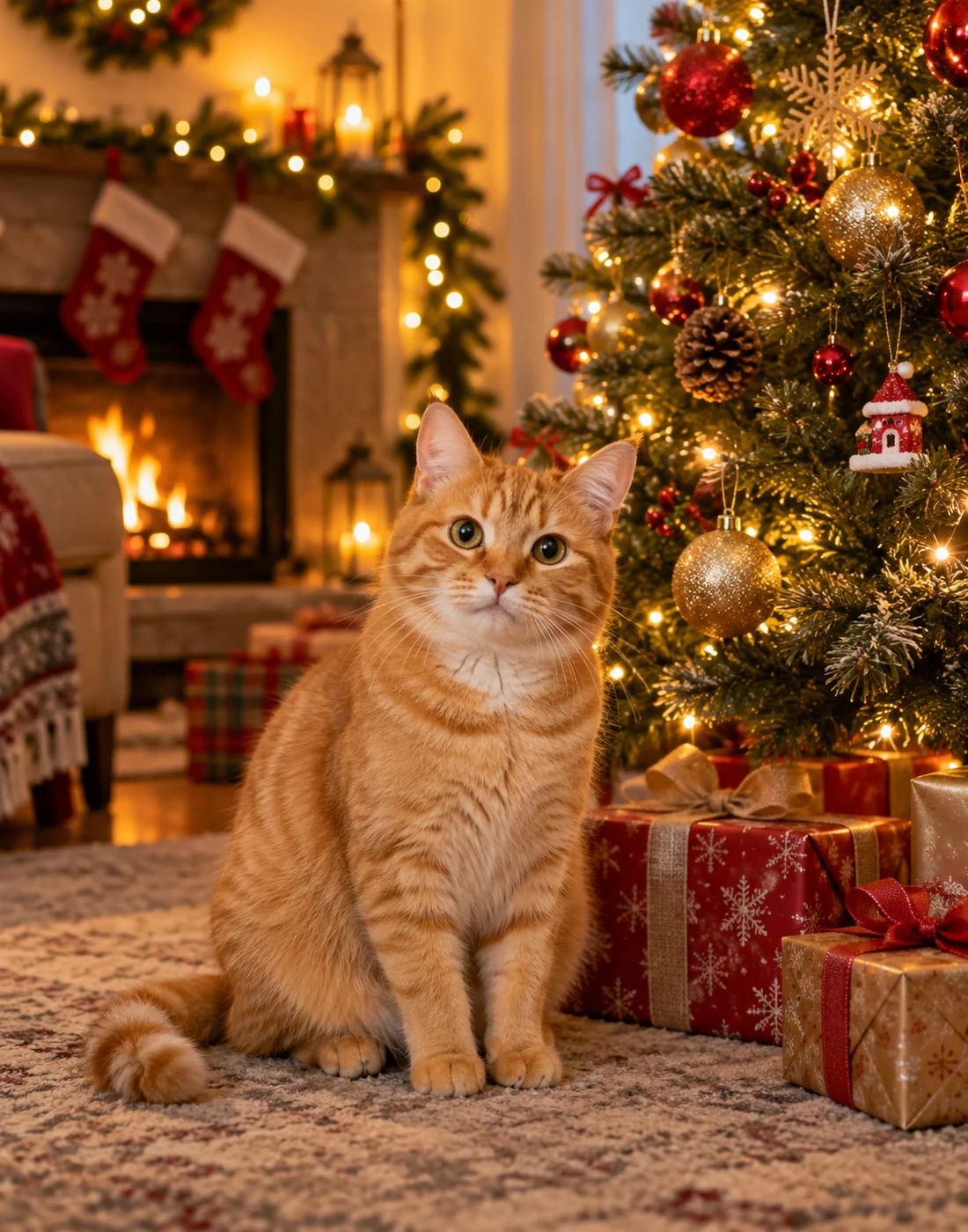
An orange cat sitting fully visible beside a decorated Christmas tree in a cozy home, warm golden background lights.
An unbranded cream ceramic candle jar centered on a table, Christmas pine branches, gifts and golden lights behind it.
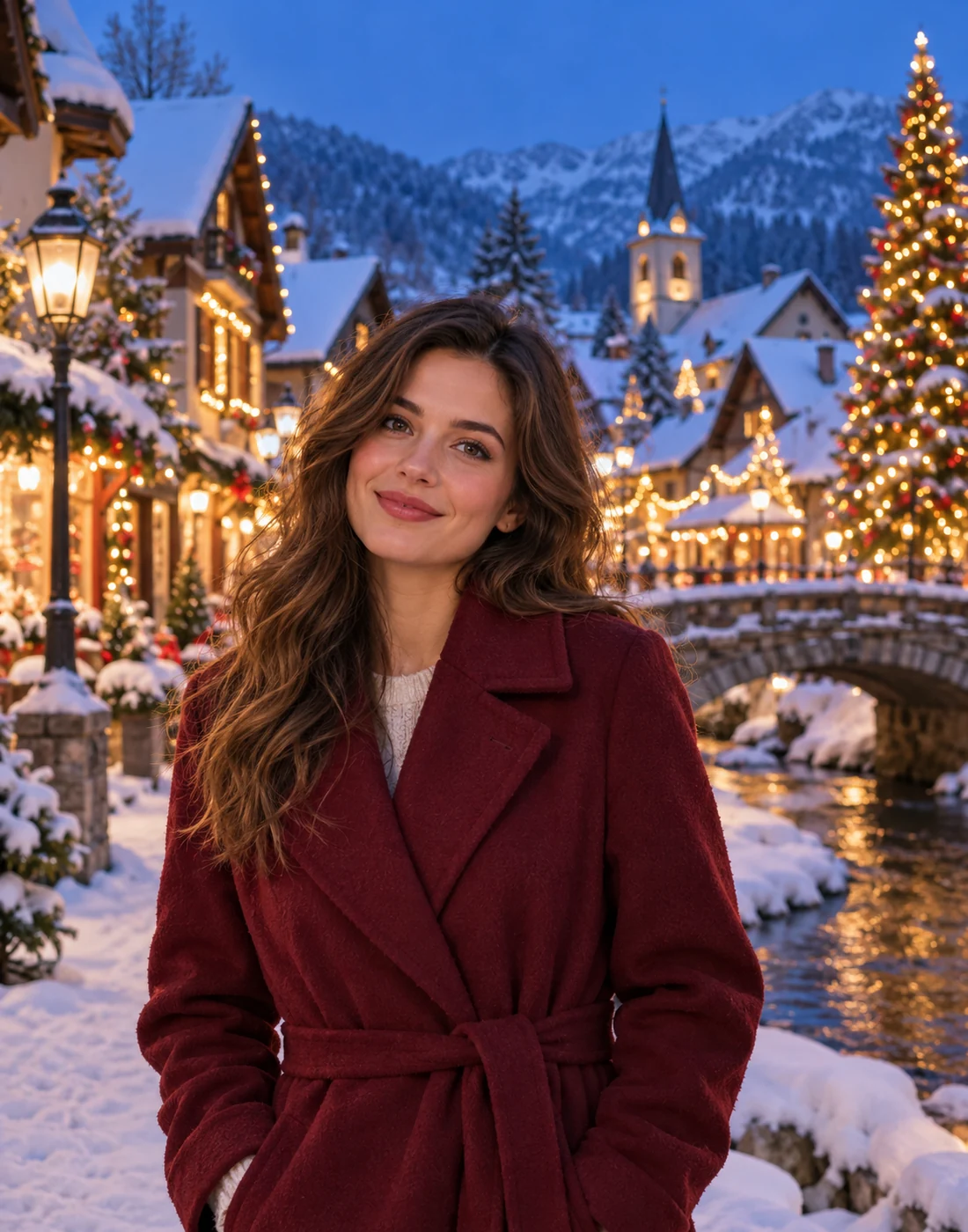
A woman in a simple burgundy coat waist-up in a charming snow-covered Christmas village at blue hour.
A young man in a plain cream sweater standing waist-up in a whimsical but realistic Santa workshop with wooden toys, giftwrapping and Christmas decor.
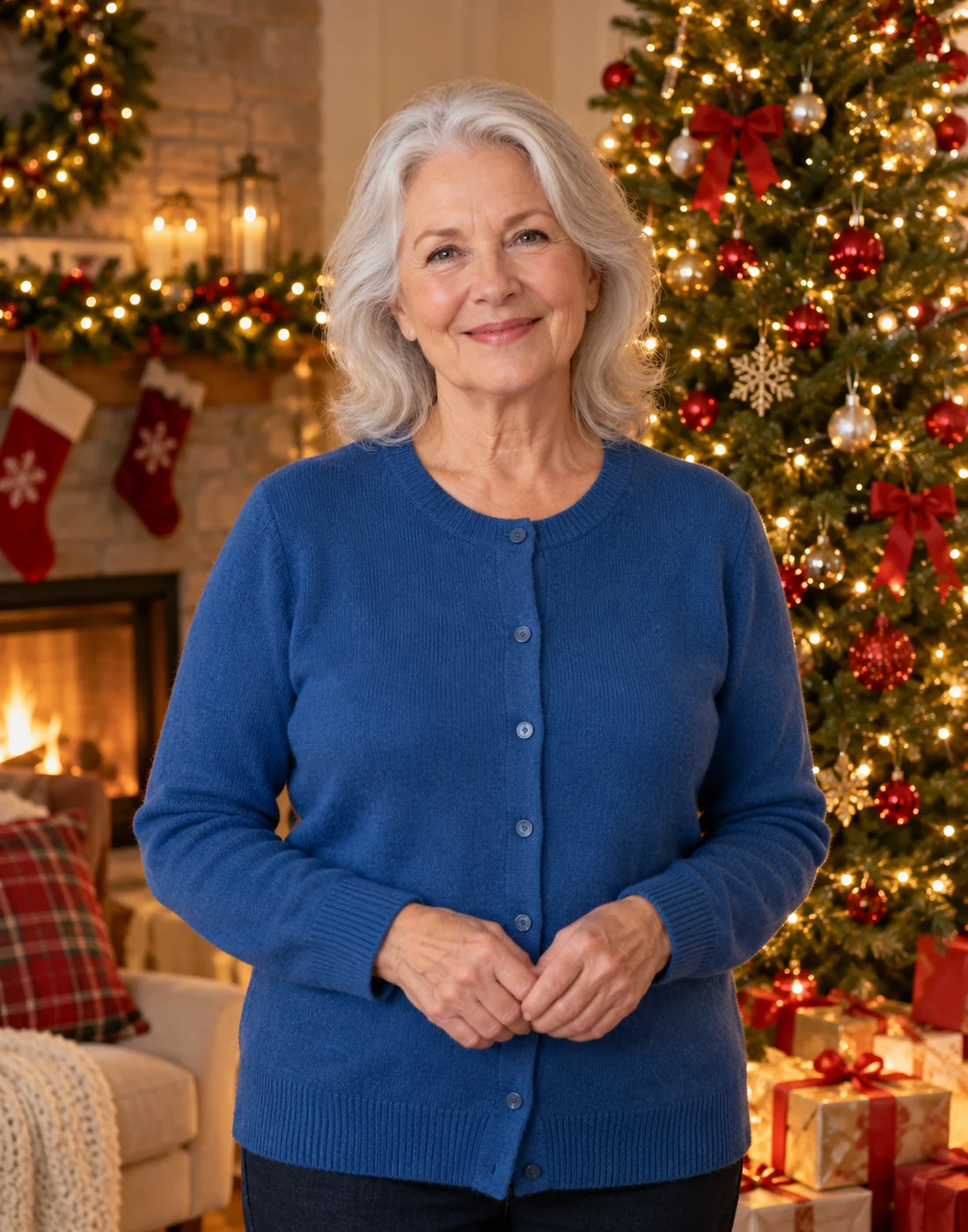
An older woman with silver hair in a plain blue cardigan standing waist-up in front of a beautifully decorated Christmas tree and glowing string lights.
A man in an everyday navy coat, waist-up surrounded by snowy fir forest with subtle Christmas lanterns.
A woman in a simple sage blouse seated beside a cozy Christmas fireplace with stockings and a tree.
A smiling family of four in casual cream and blue outfits, seated together in a Christmas living room with gifts and lights, all heads complete.
A couple in simple winter coats, waist-up in a snowy Christmas market with warm wooden stalls and lights.
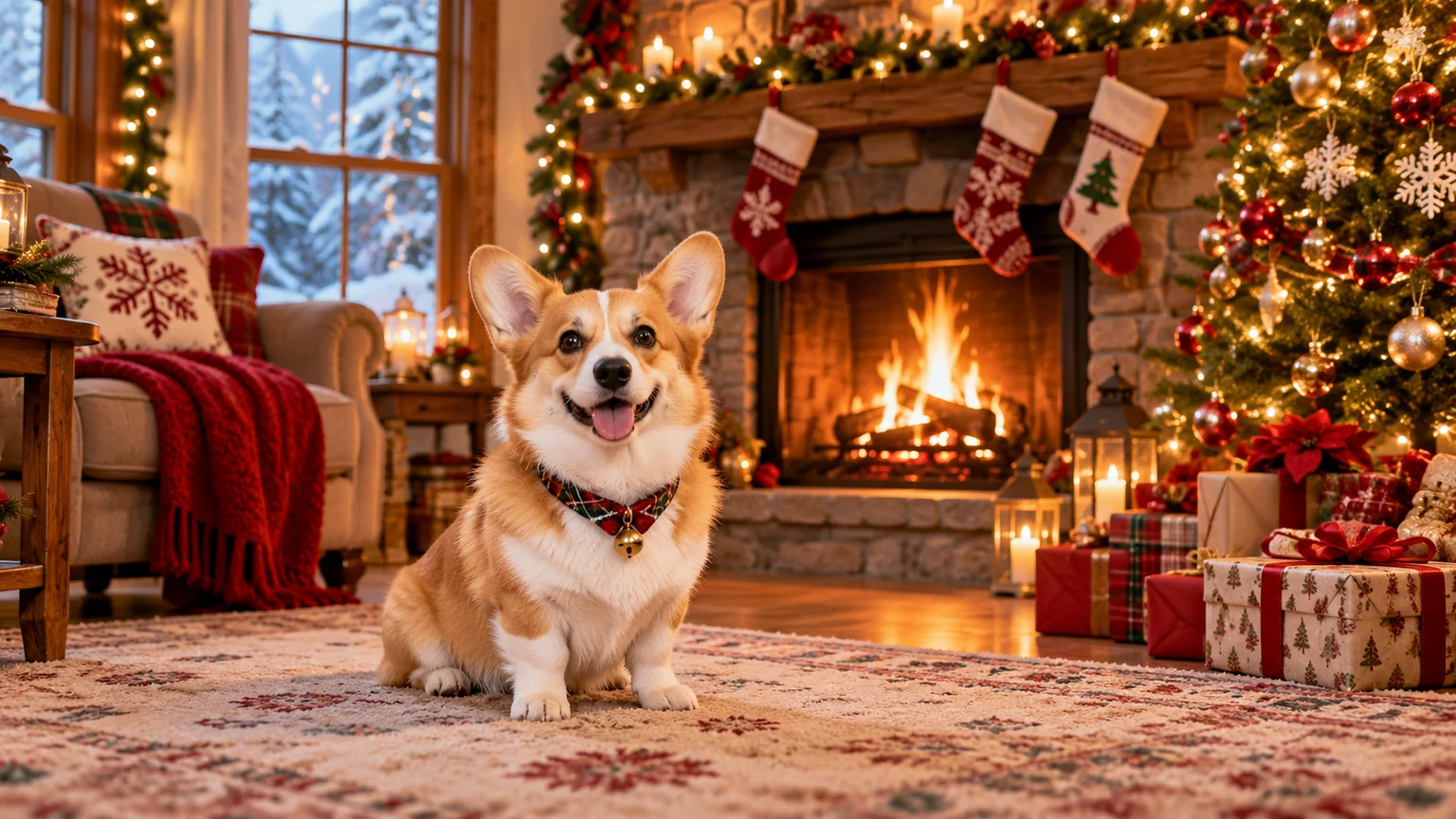
A golden retriever sitting fully visible in a snowy Christmas garden with decorated trees, detailed fur.
An orange cat sitting fully visible beside a decorated Christmas tree in a cozy home, warm golden background lights.
An unbranded cream ceramic candle jar centered on a table, Christmas pine branches, gifts and golden lights behind it.
A woman in a simple burgundy coat waist-up in a charming snow-covered Christmas village at blue hour.
A young man in a plain cream sweater standing waist-up in a whimsical but realistic Santa workshop with wooden toys, giftwrapping and Christmas decor.
An older woman with silver hair in a plain blue cardigan standing waist-up in front of a beautifully decorated Christmas tree and glowing string lights.
A man in an everyday navy coat, waist-up surrounded by snowy fir forest with subtle Christmas lanterns.
A woman in a simple sage blouse seated beside a cozy Christmas fireplace with stockings and a tree.
A smiling family of four in casual cream and blue outfits, seated together in a Christmas living room with gifts and lights, all heads complete.
A couple in simple winter coats, waist-up in a snowy Christmas market with warm wooden stalls and lights.
A golden retriever sitting fully visible in a snowy Christmas garden with decorated trees, detailed fur.
An orange cat sitting fully visible beside a decorated Christmas tree in a cozy home, warm golden background lights.
An unbranded cream ceramic candle jar centered on a table, Christmas pine branches, gifts and golden lights behind it.
A woman in a simple burgundy coat waist-up in a charming snow-covered Christmas village at blue hour.
A young man in a plain cream sweater standing waist-up in a whimsical but realistic Santa workshop with wooden toys, giftwrapping and Christmas decor.
An older woman with silver hair in a plain blue cardigan standing waist-up in front of a beautifully decorated Christmas tree and glowing string lights.

Features of AI Christmas Background Changer

Replace Photo Backgrounds with Christmas Scenes

Replace Photo Backgrounds with Christmas Scenes

Turn ordinary photos into festive Christmas pictures by replacing their backgrounds with holiday scenes. Add Christmas decorations, glowing lights, and seasonal settings without taking a new photo.

Add Snowy Christmas Backgrounds

Give your photos a winter wonderland look with snowy landscapes, falling snow, frosted trees, and beautiful winter scenery. Create Christmas pictures that look like they were taken outdoors in the snow.

Add Snowy Christmas Backgrounds
Add Christmas Trees and Holiday Lights

Add Christmas Trees and Holiday Lights

Place yourself in front of beautifully decorated Christmas trees, colorful ornaments, glowing fairy lights, and wrapped presents. Give your pictures a warm and festive Christmas atmosphere.

Create Cozy Indoor Christmas Backgrounds

Change your photo background to a cozy Christmas living room with a glowing fireplace, hanging stockings, decorated trees, and warm holiday lighting. Create festive indoor pictures without decorating your home.

Create Cozy Indoor Christmas Backgrounds
Customize Christmas Backgrounds with AI

Customize Christmas Backgrounds with AI

Create your own Christmas background by describing the scene you want. Whether it's a snowy village, Santa's workshop, or a Christmas market, AI can generate a festive background based on your description.

Add Christmas Backgrounds to Family and Couple Photos

Turn your family portraits and couple pictures into Christmas memories with festive home settings, winter landscapes, and holiday decorations. Create personalized Christmas photos to share with loved ones.

Add Christmas Backgrounds to Family and Couple Photos
Create Christmas Backgrounds for Pet Photos

Create Christmas Backgrounds for Pet Photos

Give your pet pictures a festive makeover with snowy gardens, decorated Christmas trees, cozy fireplaces, or Santa's workshop backgrounds. Make cute Christmas pet photos to share with friends and family.

Create Christmas Product Photos

Replace plain product backgrounds with Christmas decorations, festive lights, wrapped gifts, and winter scenes. Create seasonal product pictures for online stores, Christmas promotions, and holiday social media posts.

Create Christmas Product Photos
How it works

How to Add Christmas Background to Your Photo?

01

Upload Your Photo

Choose and upload a clear, high-quality photo of yourself, your family, your pet, or any picture you want to add a Christmas background to.

02

Add Christmas Background

Describe the Christmas background you want, such as a snowy landscape, decorated Christmas tree, cozy fireplace, or glowing holiday lights. Then click "Generate" and let AI replace your photo's background with a festive Christmas scene.

03

Download and Share

Once your Christmas photo is ready, download it to your device and share it with friends and family or post it on social media.

SEE WHAT CREATORS ACHIEVE

Illustrative creator stories across image, video, and editing workflows.

I can start with a rough image idea, try a few directions, and keep the best results together without losing track of the process.

Maya Chen

Digital Creator

Having different image models in one place makes it easier to compare styles and choose the one that fits the idea before I keep refining it.

Ethan Brooks

Creative Director

The focused tools are useful because I can jump straight into the edit I need instead of searching through one huge workflow.

Lina Patel

Marketing Designer

Saving results to Assets means I can come back to an image later, reuse it, and continue from where I left off.

Noah Bennett

Content Creator

I like being able to move from image generation into character and scene work without starting the whole creative process again.

Sofia Reyes

Character Artist

The video workflow gives me a clear place to shape the visual direction first, then move into motion when the idea is ready.

Daniel Kim

Video Editor

Seeing example prompts next to finished visuals helps me understand what details actually make a difference when I start creating.

Ava Morgan

Social Media Creator

Cinema and camera tools make it easier to explore stronger framing and different shot ideas without rebuilding the scene from scratch.

Leo Hart

Filmmaker

I can keep a character idea consistent while testing new looks, expressions, and scenes instead of recreating the same concept every time.

Nina Alvarez

Visual Storyteller

Having voice, lip-sync, image, and video tools connected in one workspace makes multi-step projects much easier to organize.

Owen Carter

Multimedia Producer

The model pages give me enough context to understand what each option is for before I open the workspace and start experimenting.

Chloe Martin

Brand Designer

What helps most is that the whole flow stays connected — discover an idea, create it, refine it, and keep the result ready for the next step.

Ryan Foster

Creative Producer

Seeing example prompts next to finished visuals helps me understand what details actually make a difference when I start creating.

Ava Morgan

Social Media Creator

Cinema and camera tools make it easier to explore stronger framing and different shot ideas without rebuilding the scene from scratch.

Leo Hart

Filmmaker

I can keep a character idea consistent while testing new looks, expressions, and scenes instead of recreating the same concept every time.

Nina Alvarez

Visual Storyteller

Having voice, lip-sync, image, and video tools connected in one workspace makes multi-step projects much easier to organize.

Owen Carter

Multimedia Producer

The model pages give me enough context to understand what each option is for before I open the workspace and start experimenting.

Chloe Martin

Brand Designer

What helps most is that the whole flow stays connected — discover an idea, create it, refine it, and keep the result ready for the next step.

Ryan Foster

Creative Producer

I can start with a rough image idea, try a few directions, and keep the best results together without losing track of the process.

Maya Chen

Digital Creator

Having different image models in one place makes it easier to compare styles and choose the one that fits the idea before I keep refining it.

Ethan Brooks

Creative Director

The focused tools are useful because I can jump straight into the edit I need instead of searching through one huge workflow.

Lina Patel

Marketing Designer

Saving results to Assets means I can come back to an image later, reuse it, and continue from where I left off.

Noah Bennett

Content Creator

I like being able to move from image generation into character and scene work without starting the whole creative process again.

Sofia Reyes

Character Artist

The video workflow gives me a clear place to shape the visual direction first, then move into motion when the idea is ready.

Daniel Kim

Video Editor

FAQs About AI Christmas Background Changer
IDEAS WORTH EXPLORING

Ideas, guides, and updates to help you create more with AI.

View all

Explore leading AI models

CREATE WITHOUT LIMITS

Create images, videos, characters, and more with powerful AI tools.